
How to Check Your MEPCO Bill Without a Reference Number
Lost your MEPCO bill and don’t know your reference number? You’re not stuck. The bill system works by reference number, so the goal is simply to find yours, and there are several easy, free ways to do that. Once you have it, you can check your bill in seconds.
Ways to Find Your Reference Number
1. Look at any old bill
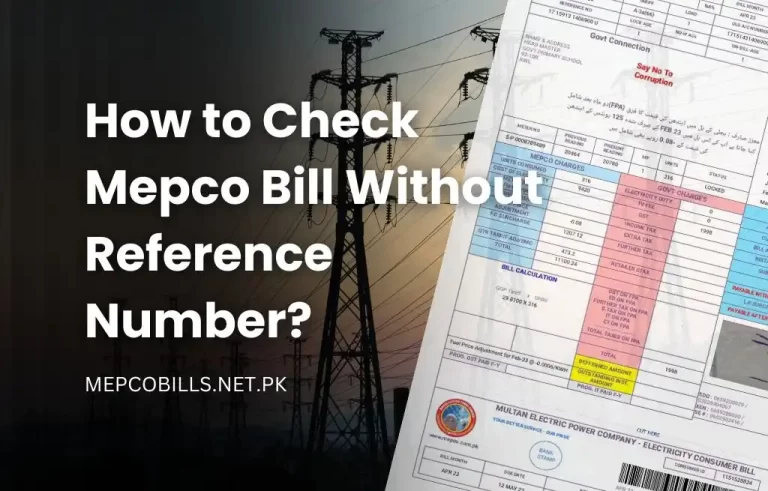
The reference number stays the same every month, so any previous bill works. It’s the 14-digit number near the top of the bill, in the consumer detail box. A saved PDF, a photo on your phone, or a paper copy at home all count.
2. Use the official CNIC lookup on MEPCO’s website
MEPCO’s official website, mepco.com.pk, has a CNIC Registration page that links your CNIC to your connection and helps you retrieve your reference number. You then use that number to open your bill. Note that this finds your reference number; you can’t check the bill with a CNIC directly.
3. Ask whoever has an earlier bill
If you’re a tenant or a new resident, the reference number belongs to the meter, not to you, so a landlord, the previous occupant, or the property owner will have it on their copy of the bill.
4. Check your bank or wallet history
If you’ve paid before through a banking app, Easypaisa, or JazzCash, your saved biller or payment history usually shows the reference number you used.
5. Ask MEPCO directly
Visit your nearest MEPCO sub-division office, or call the helpline on 118, with your CNIC and meter details. Staff can look up your reference number for you.
Keep Your CNIC Safe
Only enter your CNIC on MEPCO’s official site (mepco.com.pk). Never type your CNIC, OTP, card number, or bank password into a random bill-checking website.
Once You Have Your Reference Number
Enter your 14-digit reference number on our MEPCO bill check page, and your latest bill opens on PITC’s official site, where you can view it, print it, or save it as a PDF. A 10-digit consumer ID works too. Both are printed on any old bill.